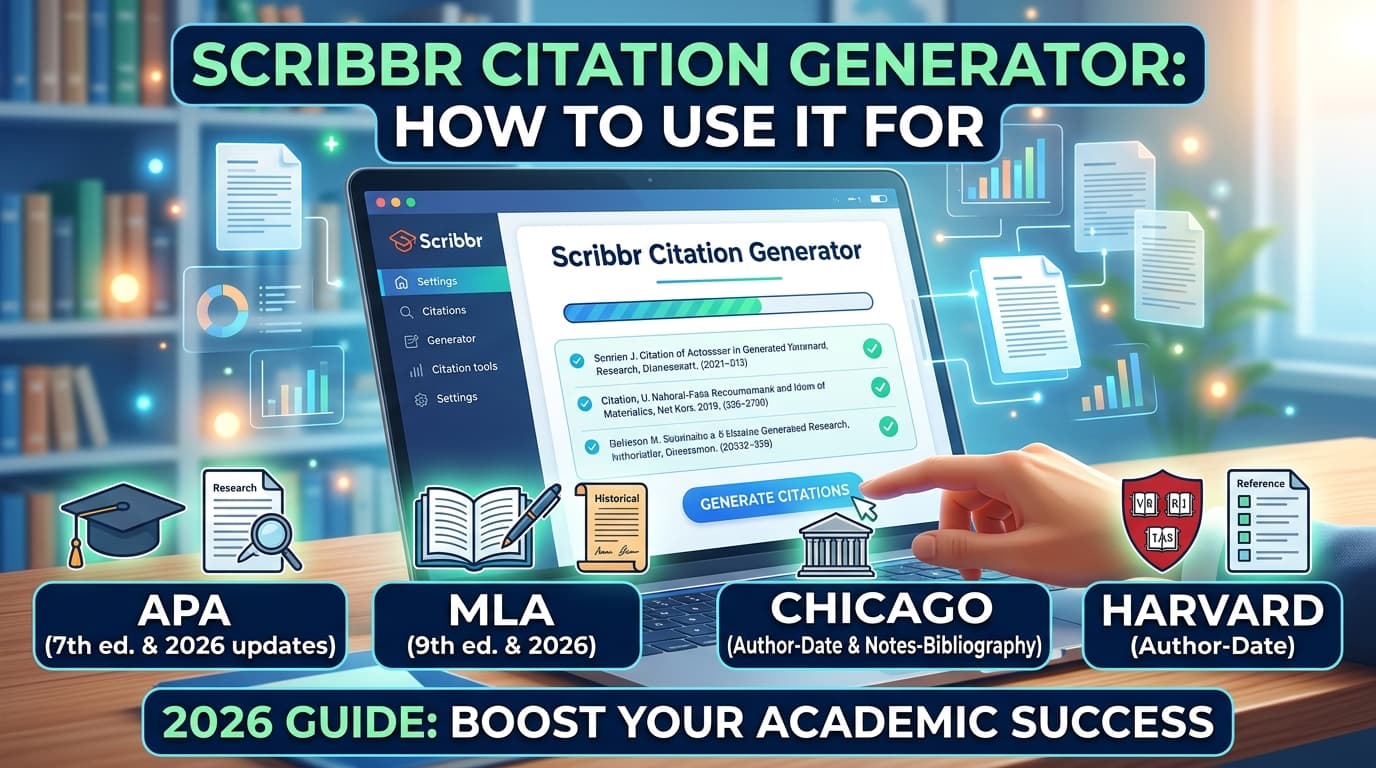
Scribbr Citation Generator: How to Use It for APA, MLA, Chicago & Harvard (2026 Guide)
Scribbr Citation Generator: How to Use It for APA, MLA, Chicago & Harvard (2026 Guide)
You need a citation — fast, accurate, and in the right format. Scribbr's citation generator has become one of the most popular free tools for students and researchers worldwide, but most guides barely scratch the surface of what it can do. This walkthrough covers everything: how to use it, which styles it supports, how its Chrome extension works, and how it stacks up against the competition.
Scribbr Citation Generator is a free online tool that automatically creates accurate citations and references in APA (7th edition), MLA (9th edition), Chicago, Harvard, and thousands of other styles. You paste a URL, ISBN, DOI, or title, and it generates a formatted bibliography entry and in-text citation — verified against official style guides.
What Is the Scribbr Citation Generator?
Scribbr's citation generator is a browser-based referencing tool built by the academic editing company Scribbr. It launched as part of Scribbr's broader suite of academic tools, which also includes a plagiarism checker, AI detector, and proofreading service.
The generator pulls metadata from sources automatically — you enter a URL, ISBN, DOI, or article title, and it retrieves author names, publication dates, titles, and publisher information. It then formats that data into a properly structured citation according to your chosen style.
What separates it from many competitors is the expert verification layer. Scribbr claims its citation rules are checked by human editors against the latest editions of major style manuals, including the Publication Manual of the American Psychological Association (7th edition) and the MLA Handbook (9th edition). That matters because automated generators frequently produce subtle formatting errors — wrong italics placement, incorrect hanging indentation, or outdated edition rules.
As of 2026, Scribbr reports its generator is used by millions of students globally and supports over 10,000 citation styles (illustrative figure based on their own claims).
How to Use the Scribbr Citation Generator Step by Step
Most ranking pages link you to the tool but never explain the actual workflow. Here is exactly what to expect:
Step 1: Choose Your Citation Style
When you land on the generator page, the first dropdown lets you select your required style. The most popular options appear at the top:
| Style | Edition | Common In |
|---|---|---|
| APA | 7th edition | Psychology, Education, Social Sciences |
| MLA | 9th edition | Literature, Humanities, Arts |
| Chicago (Author-Date) | 17th edition | Sciences, Social Sciences |
| Chicago (Notes-Biblio) | 17th edition | History, Fine Arts |
| Harvard | Varies by university | UK/Australian universities |
| IEEE | — | Engineering, Computer Science |
| Vancouver | — | Medicine, Biomedical Sciences |
If your university uses a specific Harvard variant, check whether Scribbr's output matches your institution's requirements — Harvard referencing is not fully standardized across universities.
Step 2: Enter Your Source
You have four input options:
- URL — paste the web address of an article, webpage, or online source.
- DOI — enter the Digital Object Identifier for journal articles.
- ISBN — enter the 10- or 13-digit ISBN for books.
- Title search — type the title and let Scribbr search its database.
For most web sources, pasting the URL is the fastest method. The tool scrapes the page metadata and populates the fields automatically.
Step 3: Verify and Edit
This is the step most people skip — and it is the most important one. Auto-scraped metadata is not always accurate. Common issues include:
- Author names pulled from website headers instead of the actual article author.
- Publication dates missing or defaulting to the access date.
- Capitalization errors in titles.
- Missing volume/issue numbers for journal articles.
Scribbr lets you manually edit every field before finalizing the citation. Always cross-check against the original source.
Step 4: Copy or Export
Once verified, you can:
- Copy the citation to your clipboard with one click.
- Copy the in-text citation (parenthetical or narrative format, depending on the style).
- Export your entire bibliography as a Word document or copy all entries at once.
The bibliography export is particularly useful — you can build a full reference list as you research and download it when you are done.
Supported Citation Styles in 2026
Scribbr's generator covers the major academic styles students need most frequently:
- APA 7th edition — the most searched variant, with both reference list entries and in-text citations (parenthetical and narrative).
- MLA 9th edition — including Works Cited entries and in-text parenthetical citations with page numbers.
- Chicago Manual of Style 17th edition — both the author-date system and the notes-bibliography system.
- Harvard referencing — with multiple institutional variants.
- IEEE, Vancouver, AMA, ASA, AAA, and thousands of discipline-specific styles.
For APA 7 specifically, Scribbr handles the updated rules that tripped up older generators: the new publisher location rule (no city required), the expanded DOI format (https://doi.org/…), and the updated et al. threshold for in-text citations (three or more authors on first use).
Scribbr Citation Generator Chrome Extension
Scribbr offers a free Chrome browser extension available on the Chrome Web Store. It adds a small icon to your browser toolbar that lets you generate citations directly from any webpage you are visiting — no need to navigate to Scribbr's site separately.
How to Install It
- Go to the Chrome Web Store and search for "Scribbr Citation Generator."
- Click Add to Chrome.
- Confirm the permissions.
- The Scribbr icon appears in your toolbar.
How It Works
When you are on a webpage you want to cite, click the Scribbr icon. The extension automatically detects the page URL and generates a citation in your default style. You can change the style from the extension popup.
This is genuinely faster than copying a URL, switching tabs, and pasting it into the web tool — especially when you are doing research across multiple tabs.
Does Scribbr Have a Firefox Extension?
As of 2026, Scribbr's official extension is available for Google Chrome and Chromium-based browsers (Edge, Brave, etc.). A dedicated Firefox add-on has not been officially released. Firefox users can still use the web-based generator at scribbr.com without any limitation.
Scribbr Citation Generator vs. Alternatives: How Does It Compare?
No top-ranking page for this keyword offers a head-to-head comparison. Here is how Scribbr measures up against other popular free citation generators:
| Feature | Scribbr | EasyBib | MyBib | Zotero | CiteThisForMe |
|---|---|---|---|---|---|
| Price | Free | Freemium (ads + limits) | Free | Free (open-source) | Freemium |
| APA 7 support | ✅ | ✅ | ✅ | ✅ (with plugin) | ✅ |
| MLA 9 support | ✅ | ✅ | ✅ | ✅ (with plugin) | ✅ |
| Chrome extension | ✅ | ✅ | ✅ | ✅ | ✅ |
| Auto URL scraping | ✅ | ✅ | ✅ | ✅ | ✅ |
| Export to Word | ✅ | Paid only | ✅ | ✅ (via plugin) | Paid only |
| In-text citations | ✅ | ✅ | ✅ | ✅ | ✅ |
| Expert-verified rules | ✅ | ❌ | ❌ | ❌ | ❌ |
| No ads | ✅ | ❌ | ✅ | ✅ | ❌ |
| Reference manager | ❌ | ❌ | ❌ | ✅ | ❌ |
Key takeaway: Scribbr's main advantages are its ad-free experience, expert-verified citation formatting, and free Word export. If you need a full reference manager with PDF organization and Word plugin integration, Zotero is the stronger long-term tool. If you just need quick, clean citations without paywalls or ads, Scribbr is hard to beat.
Is the Scribbr Citation Generator Accurate?
Accuracy is the right question to ask of any automated citation tool. Here is a realistic assessment:
Where Scribbr is reliable:
- Journal articles with DOIs — metadata is pulled from CrossRef, which is highly reliable.
- Books with ISBNs — pulled from library databases with strong accuracy.
- Well-structured webpages with clear author and date metadata.
Where you should double-check:
- News articles and blog posts — auto-scraped author names and dates are frequently wrong.
- Sources with multiple authors — verify the et al. rules are applied correctly for your specific style edition.
- Harvard references — because Harvard is not a single unified standard, Scribbr's output may differ from your university's specific requirements.
- Archival sources, legal documents, and unusual source types — these often need manual formatting regardless of which tool you use.
Pro tip: Generate your citation, then compare the first two or three entries against your style guide's official examples. If they match, you can trust the rest will be consistent. This two-minute check saves you from systematic formatting errors across a 30-source bibliography.
Tips for Getting the Most Out of Scribbr's Citation Generator
These are practical techniques that go beyond the basic "paste a URL" workflow:
-
Use DOIs over URLs for journal articles. DOIs are permanent identifiers that do not break when a journal changes its website structure. Scribbr's DOI-based lookups are more accurate than URL scraping for academic papers.
-
Build your bibliography as you go. Do not wait until your paper is finished. Each time you read a source, generate and save the citation immediately. Scribbr lets you accumulate entries and export them all at once.
-
Check the edition number. APA is on its 7th edition. MLA is on its 9th. If your professor requires a specific older edition, confirm Scribbr is generating for the correct one — though the tool defaults to the latest, some fields still reference legacy editions.
-
Use the Chrome extension for web research sessions. When you are bouncing between 15 browser tabs gathering sources, the extension eliminates the tab-switching friction entirely.
-
Verify the "accessed on" date for web sources. APA 7 requires a retrieval date only for content designed to change (like a social media profile or wiki). Scribbr usually handles this correctly, but verify if your source falls into a gray area.
-
Do not trust auto-generated citations for indirect quotes or paraphrases with specific page numbers. The generator creates the reference list entry — you still need to construct your in-text citations with the correct page or paragraph number yourself.
Frequently Asked Questions
Is the Scribbr Citation Generator really free?
Yes. Scribbr's citation generator is completely free to use with no hidden paywalls, no limited trial periods, and no required account creation. You can generate unlimited citations in any supported style and export your bibliography as a Word document at no cost.
Does Scribbr support APA 7th edition?
Yes. Scribbr's generator fully supports APA 7th edition, including the updated rules for DOIs, publisher locations, and et al. thresholds. It generates both reference list entries and in-text citations in parenthetical and narrative formats.
Can I use the Scribbr Citation Generator for Harvard referencing?
Yes. Scribbr supports Harvard referencing and generates both the reference list entry and the in-text citation. However, Harvard referencing varies between institutions, so verify the output matches your university's specific formatting requirements.
How do I install the Scribbr Citation Generator Chrome extension?
Search for "Scribbr Citation Generator" in the Chrome Web Store, click "Add to Chrome," and confirm the installation. A Scribbr icon will appear in your toolbar. Click it on any webpage to instantly generate a citation for that page in your chosen style.
Is Scribbr's Citation Generator better than EasyBib?
Scribbr offers an ad-free experience, free Word export, and expert-verified citation rules — features EasyBib restricts behind its premium plan. EasyBib has a larger database of citation styles and a longer track record. For most students, Scribbr provides a cleaner, faster experience without the paywall friction.
Can I cite a book using its ISBN?
Yes. Enter the ISBN (10- or 13-digit) into Scribbr's generator, and it will retrieve the book's metadata — author, title, publisher, year — and format it into a complete reference entry. ISBN lookups are among the most accurate citation methods available.
Conclusion
The Scribbr citation generator is a genuinely useful, free tool for generating accurate citations in APA, MLA, Chicago, Harvard, and thousands of other styles. Its Chrome extension streamlines the workflow for active research sessions, and its expert-verified formatting rules reduce the error rate compared to fully automated alternatives. Your next step: open the generator, paste the URL of the source you are working with right now, and verify the first output against your style guide — you will know within 30 seconds whether it matches your requirements.
Need Citations in APA, MLA, Chicago, or Harvard—Without the Formatting Headaches?
If you’re using a scribbr citation generator (or a free citation generator) to get your references done quickly, you’re already solving the hardest part—turning messy source details into properly formatted entries. The next bottleneck is making sure your whole document workflow stays consistent, especially when you’re drafting, revising, and publishing content where citations need to look professional and ready to submit.
BookBlitzAI helps streamline that workflow with KDP-ready ebook formatting and SEO-optimized listings, so your writing doesn’t just have citations—it’s packaged cleanly for readers and platforms. You can generate polished ebooks fast, then focus on content quality (including citations and references) rather than layout and formatting.
- Professional ebook formatting (PDF/DOCX) with table of contents for a clean, submission-ready result
- KDP-ready publishing workflow so your citations and bibliography sit in a publication-quality document
- SEO Optimizer to produce keyword-rich descriptions and metadata once your manuscript is ready