You Wrote the Book. We Get It Ready to Sell.
Upload your finished manuscript. The AI editor reads it, designs the cover, typesets the PDF and the Amazon KDP paperback, writes your Amazon and Google Play listings and a launch kit, and can translate it into 43 languages. Your words stay exactly as you wrote them.
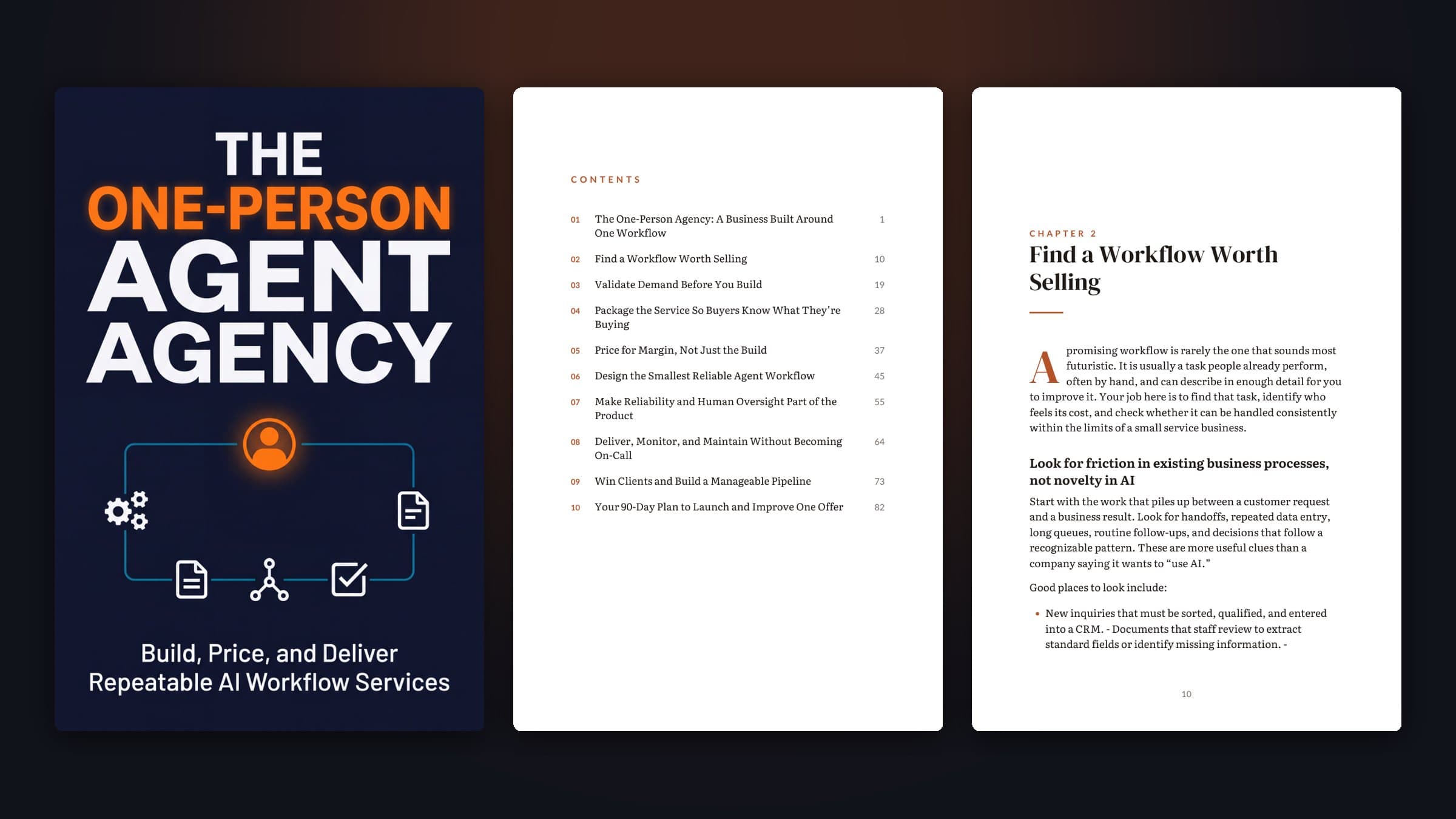
Finishing the manuscript is only half of self-publishing
After months of writing, most authors hit a second wall: a cover that sells, a paperback interior KDP accepts, a description and keywords that get found, a launch plan. Each step usually means a new tool, a freelancer or a weekend lost to templates.
BookBlitzAI takes your manuscript as it is. Upload a Word file, Markdown or plain text: chapters are found from your headings (or "Chapter 3" lines), with your bold, italics, lists and sub-headings kept. Your text is not rewritten.
The editor then reads the whole book to understand its genre, audience and promise, summarises every chapter, and does the publishing work: cover, typeset PDF, KDP paperback files, store listings, translations and a launch kit.
Everything You Need, Built In
Word, Markdown or text
Headings become chapters (Word heading styles in any language, Markdown #, or "Chapter 3" lines). Up to 250,000 words.
Your words, untouched
The file is read in your browser and only the text is sent. Nothing in your chapters is rewritten.
A cover that fits your book
Designed from what the editor read: genre conventions, audience, the promise of the book. Rendered at 4K.
KDP paperback files
Typeset interior with the right gutter and a wraparound cover with the spine sized to your page count.
Amazon & Google Play listings
Title, subtitle, description, keywords and categories, written from the chapter summaries.
Translations & launch kit
One-click editions in 43 languages, plus social posts, emails, a blog post and a video script.
How It Works
Upload your manuscript
On the Studio home, choose "Upload manuscript". Check the chapters found and the title, then import.
The editor reads it
Fiction or non-fiction, genre, audience, language, a synopsis and a summary of every chapter.
Cover and listings
About two minutes later: the cover, your Amazon KDP and Google Play listings.
Download and publish
Print-ready PDF, paperback interior and cover, translations and a launch kit, from the same workspace.
Who Is It For?
Authors with a finished draft
Skip the formatting templates and freelancers, and publish this month.
Authors with a backlist
Bring older books back with new covers, paperbacks and translations.
Experts and coaches
Turn the book you wrote for clients into a product on Amazon and Google Play.
Frequently Asked Questions
Which file formats can I upload?+
Word (.docx), Markdown (.md) and plain text (.txt), up to 250,000 words. PDFs lose their chapter structure, so export your manuscript to Word first. Old .doc files can be re-saved as .docx from Word.
Will my text be changed?+
No. Your chapters are imported as written, with bold, italics, lists and sub-headings. The editor reads them to design the cover and write the listings, but does not rewrite your book.
How are chapters detected?+
From heading styles in Word (including localized styles such as "Titre 1"), Markdown headings, or lines such as "Chapter 3", "Chapitre 3" or "Prologue". If there are none, the text is split into parts of about 3,000 words, and you can see the result before importing.
Does it work for novels?+
Yes. Fiction gets novel typography and a genre-appropriate cover. An imported book uses one eBook from your monthly allowance, novels included, since nothing is written for you.
Ready to Create Your First Best-Seller?
Join creators who turn ideas into published, sellable products with BookBlitzAI — no writing experience needed.
Upload my manuscript