Approve the Series Plan. Get Every Book.
Series sell: readers who love book one buy the rest. Plan a fiction or non-fiction series with your AI editor, approve it once, and autopilot writes every book in order, with covers, listings and paperbacks, while you do something else.
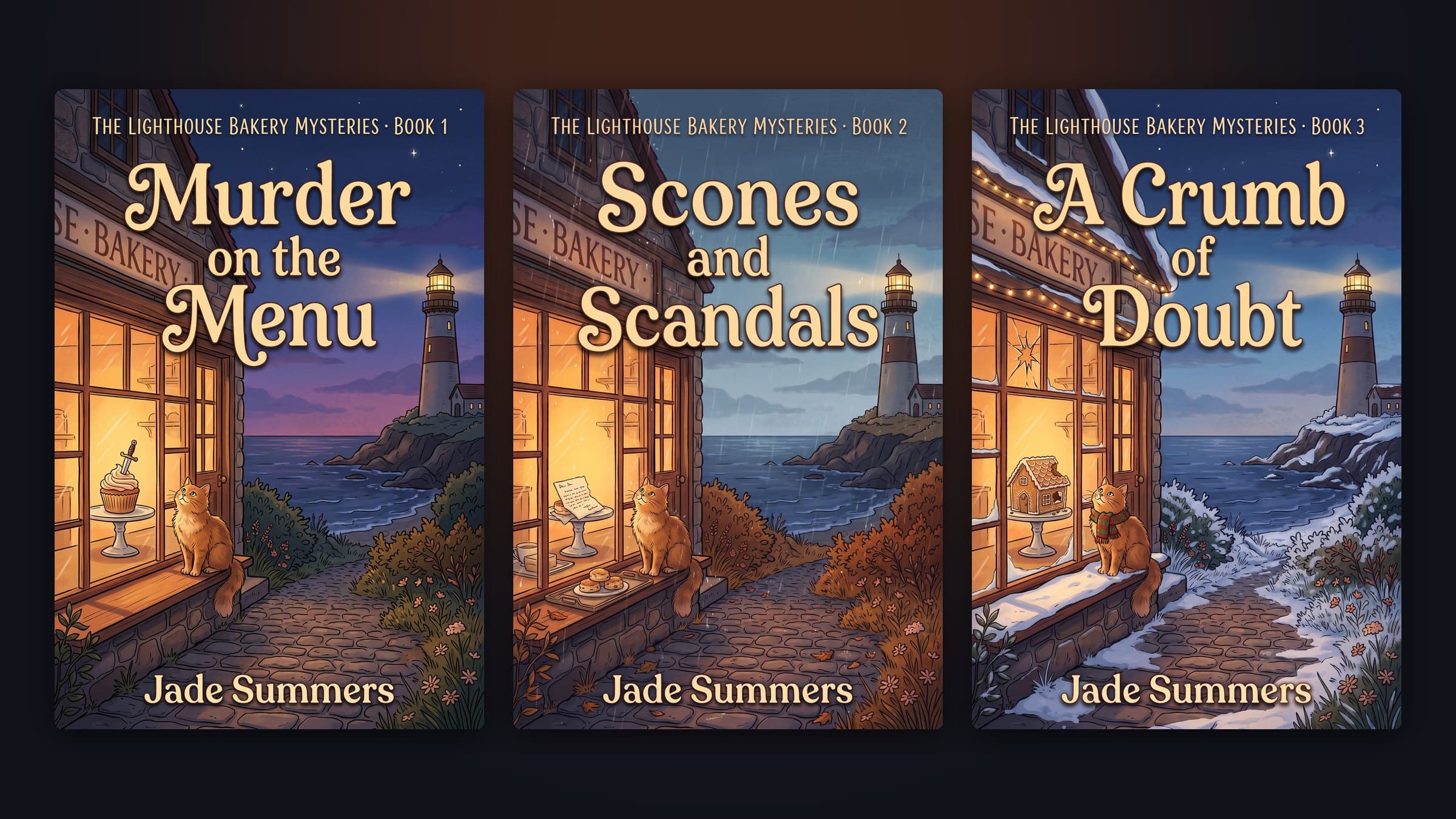
Why rapid-release series win on Amazon
On Kindle, a series is a sales engine: every reader who finishes book one is a buyer for book two, and new releases close together keep the whole series visible. That is why successful indie authors publish series, and publish them fast.
Writing them fast is the hard part. BookBlitzAI plans the whole series first: the overall arc, one clear role for each book, and for fiction a story bible with characters, places, rules and timeline. Each book is plotted and written with that bible, and the bible is updated after every book, so book three still remembers what happened in book one.
Autopilot removes the waiting. The editor still reviews every outline and first chapter, then approves them itself and carries on. When a book is finished, the next one starts: right away, the next day or the next week.
Everything You Need, Built In
Hands-off writing
Each book’s outline and first chapter are approved automatically after the editor’s review.
Your pace
Back to back, one book a day, or one a week: change it or switch it off any time.
A series bible
Characters, places, rules and timeline carried from book to book, updated as the story moves.
Covers and listings
Every book gets its own cover, Amazon KDP and Google Play listings and paperback files.
Ready notifications
A message in your Studio and an email when each book is ready, and when the series is complete.
Step in any time
Open any book while it is being written to read chapters or give guidance.
How It Works
Describe the series
"A 3-book cozy mystery series set in a seaside bakery" or "a non-fiction series on personal finance for students".
Pick a concept
The editor pitches options, then plans the arc and every book’s role in it.
Approve on autopilot
Choose "Approve & write every book on autopilot" and a pace.
Publish as they land
Each finished book comes with its cover, listings and files, ready for a rapid-release launch.
Who Is It For?
Genre fiction authors
Cozy mystery, romance, fantasy, thrillers: the genres where readers binge series.
Non-fiction publishers
Cover a niche book by book, each one leading to the next.
Rapid-release publishers
Prepare a whole series before launch day and release on a schedule.
Frequently Asked Questions
Does autopilot skip the quality checks?+
No. Every outline and every chapter is still reviewed by the editor model, and weak chapters are rewritten. Autopilot only replaces your clicks at the two checkpoints; you can open any book and give guidance at any time.
What happens if my monthly allowance runs out mid-series?+
Autopilot pauses, tells you in the Studio and by email, and keeps your place. Resume it from the series page after the monthly reset or an upgrade.
Can I change the pace?+
Yes: back to back, one book a day or one a week. Switch between them, or turn autopilot off and start each book yourself.
Which plans include series?+
Fiction series use the novel allowance of the Standard and Pro plans. Non-fiction series use the eBook allowance. Each book counts as one book.
Ready to Create Your First Best-Seller?
Join creators who turn ideas into published, sellable products with BookBlitzAI — no writing experience needed.
Plan my series